Introduction
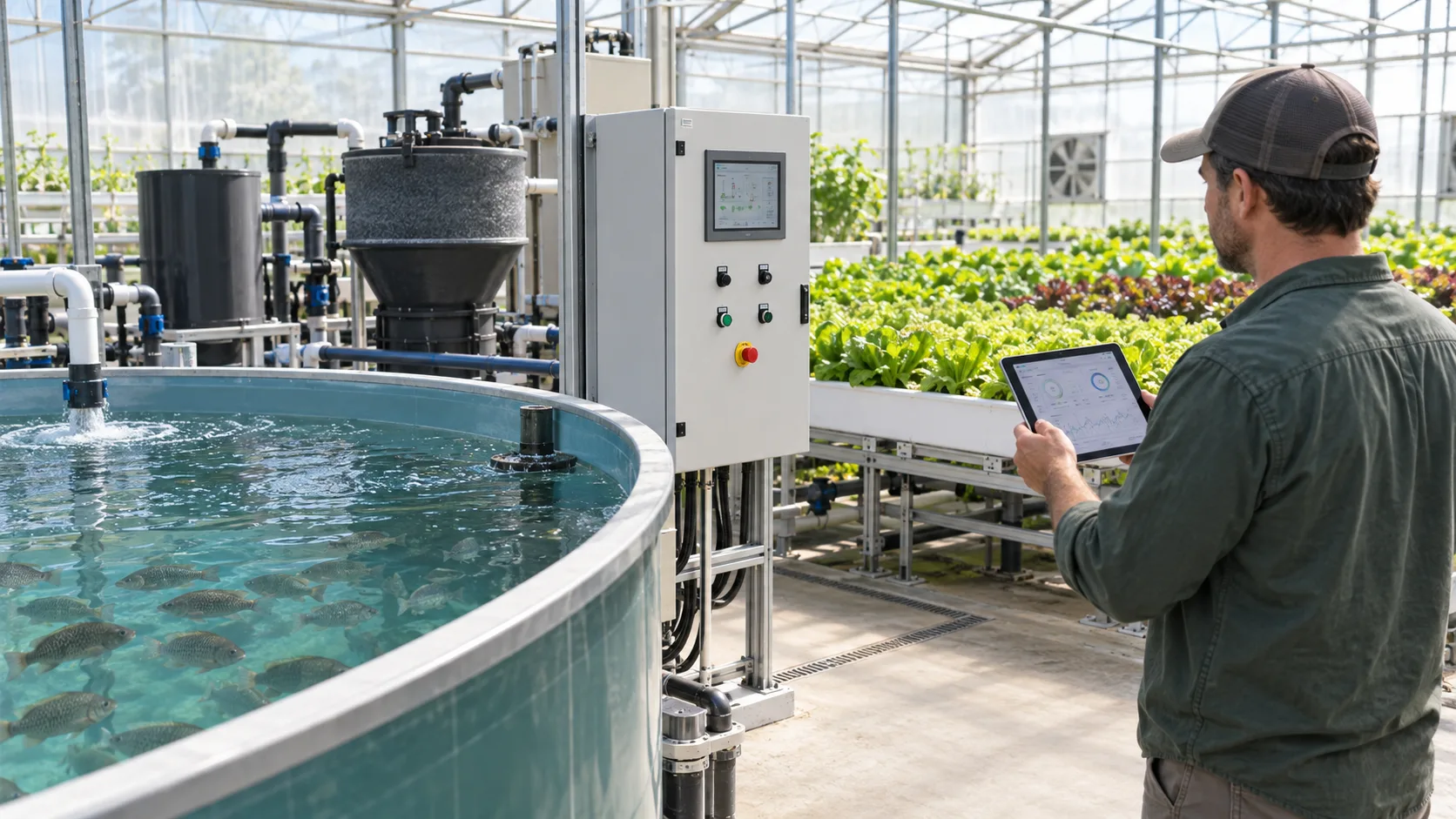
An app can make an aquaponics system easier to observe, but it does not make the biological system automatic. A phone notification may show a falling water level, unusual temperature or controller fault. It cannot confirm why the reading changed, clean a blocked screen, restore an air line, test water chemistry at the fish tank, or make a safe judgment about fish behaviour. Buyers should therefore purchase app-based monitoring as an operating and response tool—not as a promise that an unattended system is risk-free.
This distinction matters most for restaurant displays, schools, indoor farms and commercial greenhouses where an operator may not be beside the system continuously. A credible package links sensors, local controls, alarms, records, clear ownership and a tested response plan. It also remains safe when Wi-Fi, a cloud service, a sensor or a phone is unavailable.
The short answer
Choose an app-monitored aquaponics system only when the supplier can document what each sensor measures, what each alarm means, who receives it, what remains locally operable, and what happens after a communication or power failure. Give priority to reliable circulation and aeration, accessible manual controls, sensible alarm escalation and a handover that the actual operating team can use. Remote control should be limited and permission-based; life-support equipment needs a safe local state rather than dependence on a phone command.
Start with the operational problem—not the app screen
An attractive dashboard can hide an incomplete project definition. Before comparing software, write down the operating situation. Is the site a home system checked twice a day, a restaurant feature checked by kitchen staff, a school system unattended overnight, or a greenhouse with a trained operator? What can a person realistically do after receiving an alert at 2 a.m.? Which events threaten fish welfare, water containment, electrical safety or crop continuity?
The answer determines monitoring scope. A small teaching system may need a simple temperature display, water-level alert and clear local controls. A larger project may need data logging, pump and blower status, leak detection, a controlled make-up-water interlock, local audible alarms and a call-out sequence. Adding every available sensor is not automatically better: every sensor needs a location, calibration method, cleaning routine, replacement route and response rule.
During initial supplier discussions, ask for a one-page cause-and-effect list. It should say, for example, whether a low-level input merely sends a notification or also stops a pump; whether a high-temperature alert is advisory or starts ventilation; and whether loss of a network connection itself creates an alarm. This is more useful than a generic claim that a system is “smart.”
Define a minimum useful monitoring scope
Water and equipment conditions
The appropriate sensor set depends on system design, fish species and risk. However, a practical conversation usually begins with water temperature, water level, pump or flow confirmation, aeration status, electrical supply status and leak detection. A higher-risk installation may add dissolved-oxygen monitoring, tank level at several points, filter differential pressure, room temperature or humidity and equipment-run status.
Not every number has the same confidence. A temperature probe can provide a useful trend if it is located, checked and cleaned properly. A pH or dissolved-oxygen probe needs more disciplined calibration, storage and maintenance. An app should identify the measurement, units, time stamp and last communication time; otherwise a stale value can look reassuring. The New Mexico State University water-quality guide is a useful reminder that temperature, pH, nitrogen compounds and dissolved oxygen interact in aquaponics; a display does not remove the need for routine interpretation.
Ask which values are sensed continuously, which are entered manually after a test, and which are calculated by the software. Do not allow a quotation to blur those categories. Manual test results can be valuable in a shared record, but they are not real-time alarms.
Alarm logic and escalation
An alarm should lead to a specific first action. “Low flow” without a device location, severity or response owner creates noise rather than resilience. Request an alarm matrix with these fields:
- device and physical location;
- normal state and alarm condition;
- warning versus urgent level;
- local response, automatic action and manual override;
- first recipient, escalation recipient and response time expectation;
- test method and logging method.
For example, an interruption to a circulation pump may require a local audible alert, an App notification to the duty person, a separate check of emergency aeration and a documented safe isolation procedure. A greenhouse humidity warning may deserve a different priority. The alarm matrix should match customer requirements and not borrow threshold settings from a different climate, fish stock or water volume.
Trends, not just single readings
The best use of a dashboard is often to spot a change before it becomes urgent: a pump run-time pattern that drifts, a recurring afternoon temperature rise, an increasing number of low-level warnings, or a gradual difference between two tank sensors. Record feed changes, filter cleaning, water additions, weather events and maintenance beside electronic readings. Otherwise the team can see a trend but not connect it to an action taken.
Set reasonable data-retention expectations before purchase. Ask whether records can be exported in a common format, who owns them, whether there is a subscription, what happens if the subscription ends, and whether historical alarms remain available after a controller replacement. A platform that cannot show when data stopped arriving is unsuitable for critical operating decisions.
Separate monitoring from remote control
Remote viewing and remote switching are different levels of responsibility. A user may safely acknowledge an alert from a phone without remotely starting or stopping critical equipment. For that reason, classify functions before approving remote control.
Functions usually suitable for controlled remote access
Non-critical functions such as a plant-light schedule, a camera view, certain ventilation settings or a monitored irrigation zone may be candidates for role-based remote access when the final electrical design supports it. The app should show current status, confirmation of a completed command and an audit trail showing who made the change. A local operator must still be able to take control.
Functions that need conservative design
Fish circulation, aeration, emergency backup and safety interlocks deserve a different standard. A remote command should never be the only means of protecting them. Specify local switches, labels, manual bypasses, automatic restart behaviour after power restoration and an emergency response method that does not depend on cloud access. Critical circuits should not be casually grouped with grow-light timers simply because both appear in one App.
Our energy-efficient aquaponics system designs guide explains why controls should support inspection and safe recovery rather than create fragile energy-saving routines.
Check connectivity, cybersecurity and ownership
An app-based offer has an extra utility requirement: stable local network access. Ask where the controller is installed, whether it supports wired Ethernet or only Wi-Fi, what happens when the router restarts, and how much local operation continues without internet. At an industrial or restaurant site, confirm who provides the network, who approves device access and whether a separate guest network is prohibited.
Passwords must not be shared informally across a project. Request named user accounts, role levels, multi-factor authentication where available, a procedure to remove a departing employee, and documentation of firmware-update responsibility. The product need not claim enterprise cybersecurity to be useful, but it must not depend on an unknown default password or an abandoned personal account.
Also clarify data and service ownership. Who owns the controller account after shipment? Can the owner invite an independent maintenance contractor? Does a supplier have remote diagnostic access, and is that access visible and revocable? What happens if a third-party cloud service changes its plan? These questions protect a buyer from purchasing a controller that cannot be operated independently after handover.
Make sensor location and serviceability part of the design
Sensors only help when their reading represents the location that matters. A water-level switch placed in a calm sump may not expose a blocked grow-bed return. A temperature probe against a heater outlet may not represent fish-tank conditions. A leak rope tucked behind inaccessible pipework may be impossible to inspect or replace. Request a final drawing that identifies each sensor, cable route, enclosure, valve and power circuit.
The Clemson University aquaponics layout and components guide describes why filtration and water flow need to be considered as connected system components. Apply that same principle to digital equipment: sensor placement should follow the actual hydraulic layout, not an empty space in a cabinet.
Plan access before installation. Can a worker remove a probe without draining the wrong section? Is there a safe isolation point before opening an electrical enclosure? Are cables protected from splash, sunlight, rodent damage and sharp frame edges? Does the project have spare probes, fuses, power supplies and a local way to read the system if a tablet or phone is unavailable?
Ask for evidence before shipment
Factory testing
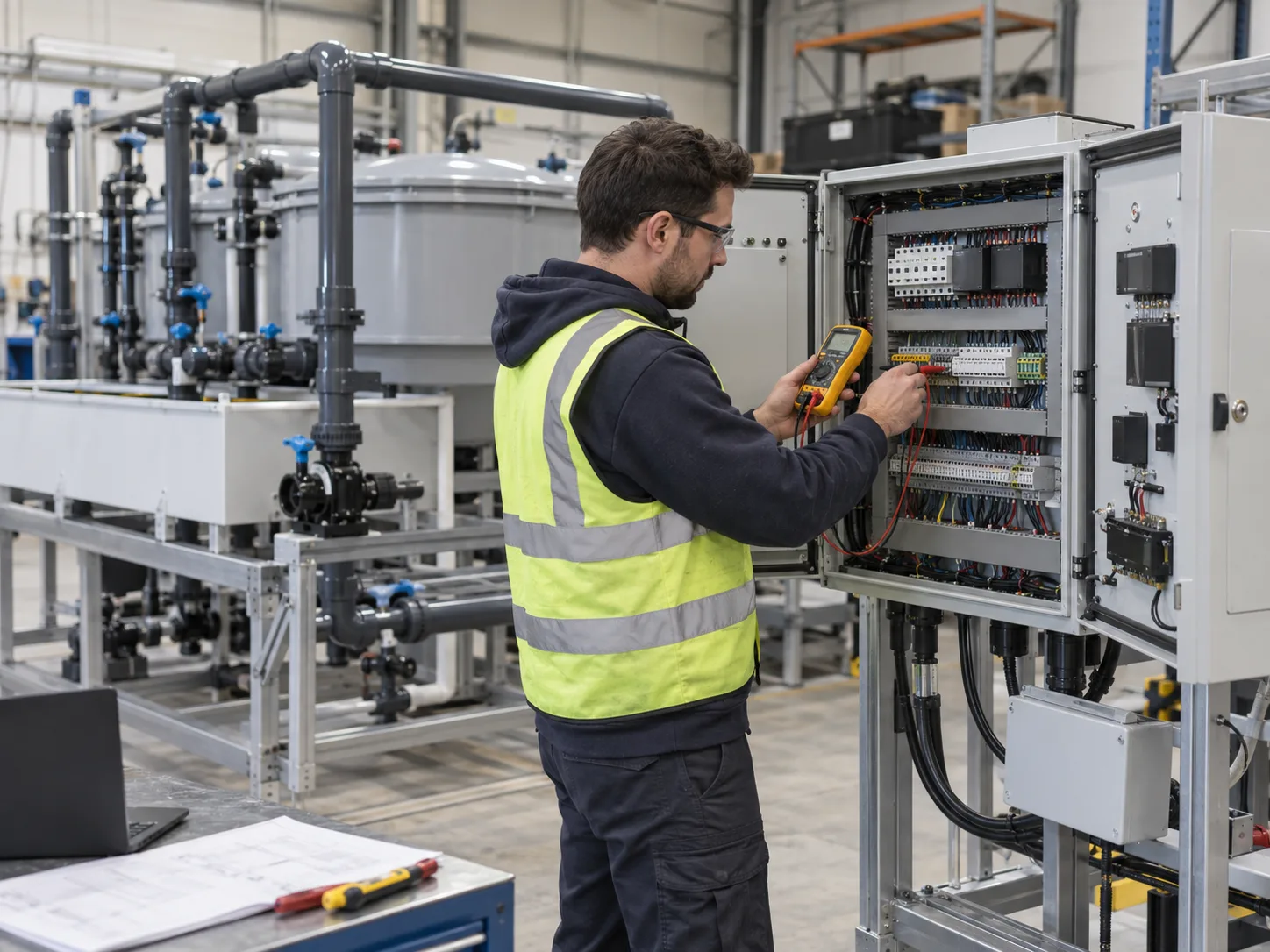
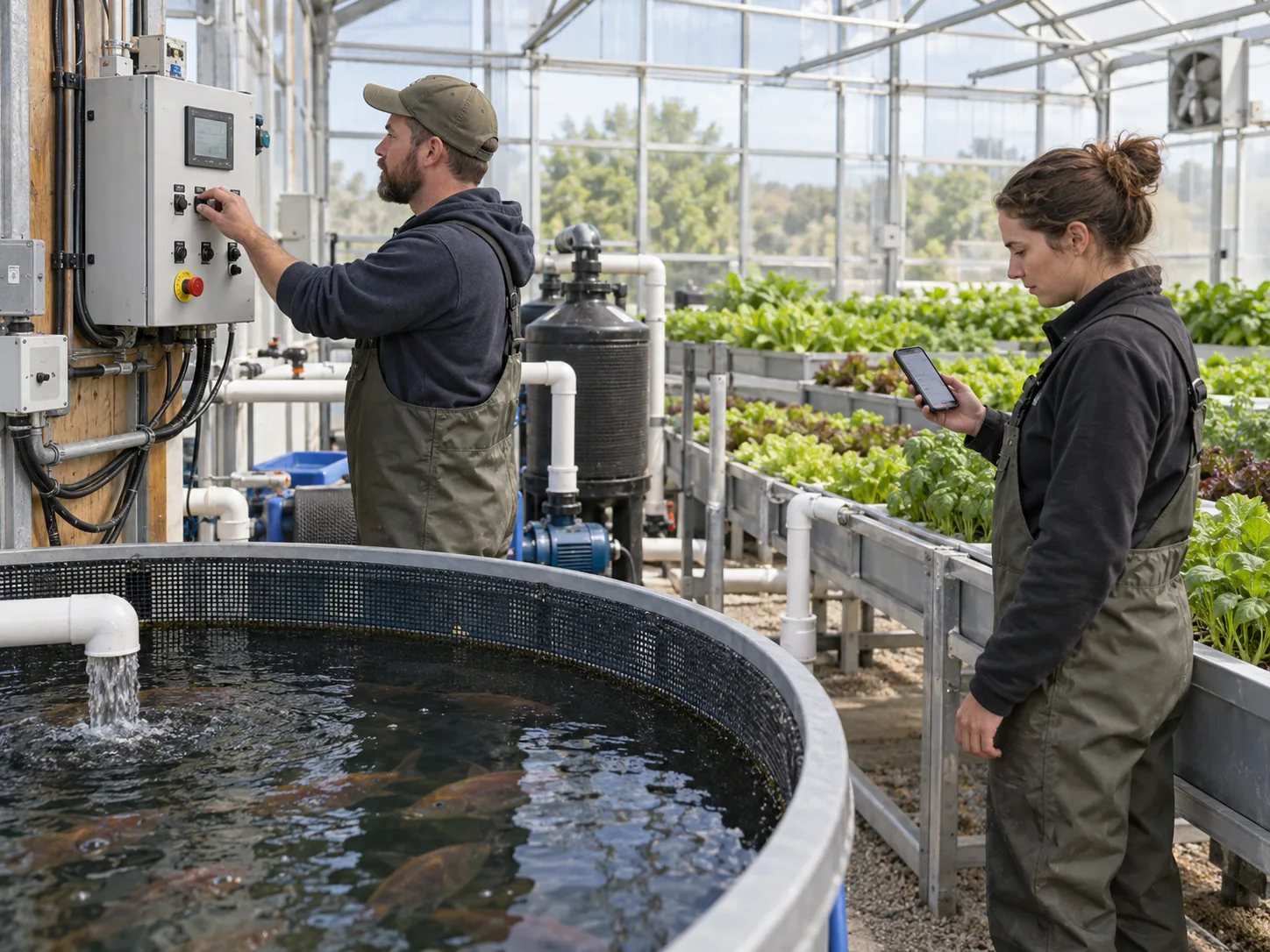
Factory testing cannot reproduce local water quality, biological cycling or the site’s internet service. It can, however, confirm the supplied component scope. The agreed factory test should check controller labels, sensor identification, input readings where practicable, simulated alarm signals, local alarm operation, manual overrides, circuit separation, controller restart behaviour and the user-interface login procedure. Capture photographs or video of the labelled panel, then attach the final drawing and test record to the shipment file.
Do not accept a video that shows only a phone screen. Ask to see the corresponding physical switch, sensor or alarm device. A good test demonstrates the path from equipment condition to local response, App message and acknowledgment—not merely that a dashboard loads.
Shipment inspection and site commissioning
At shipment inspection, match controllers, probes, cable glands, mounting hardware, manuals, spare fuses and accessories to the packing list. Keep sensitive probes dry and protected according to their manufacturer’s instructions. On arrival, inspect for damaged enclosures, pinched cables and missing labels before energizing the panel.
Site commissioning must then verify the real environment: local voltage and protection, stable network behaviour, correct time zone, named user accounts, sensor calibration, alarm recipients, manual override, loss-of-network behaviour and final water-path operation. Installation preparation should include a duty roster; an alert sent to a person who has not agreed to respond is not a response plan.
Mid-article CTA
Need a control scope that fits your operating team? Send your fish-tank layout, grow method, power standard, network conditions and intended response hours. Send Your Requirements for a monitoring-and-alarm checklist.
Compare suppliers with a practical scorecard
Score proposals by documented evidence rather than the number of icons on the App screen. Useful comparison headings include sensor list and accuracy limits, calibration requirements, local control panel, communication method, alarm matrix, offline behaviour, data export, account ownership, subscription cost, spare parts, factory test, commissioning and training.
For a commercial project, identify exclusions as carefully as inclusions. A controller may be supplied while site Ethernet, SIM service, electrical installation, a network firewall exception, calibration solutions, a battery backup or an overnight responder remain outside the quoted scope. Each exclusion can be acceptable if the responsible party is named before the order is approved.
Train the people who will receive the alerts
Technology fails operationally when alerts reach people who do not know their role. Before handover, run short scenario drills with the named users: simulated power loss, a low water-level signal, loss of network connection, a probe that reports an implausible value and a controller restart. Each person should know the first safe check, when to contact a supervisor or supplier, and which actions require an electrician or other qualified local professional.
Keep the instructions at the panel as well as in the App. A concise local card can show the equipment name, normal position, safe isolation point, emergency aeration check, escalation contact and last calibration date. This is especially valuable when restaurant, retail or school staff are near the system but are not trained aquaculture operators. The App should point users toward the written procedure, not invite improvised corrections.
Define the service rhythm at purchase: visual check of cable and enclosure condition; sensor cleaning and calibration to the manufacturer’s instructions; review of alarm history; verification that all intended recipients still have access; and a periodic test of backup and manual override functions. Report repeated nuisance alarms and stale readings as maintenance faults. If the team learns to ignore alerts, the monitoring investment has lost its purpose.
FAQ
Can an App replace daily aquaponics checks?
No. It can improve visibility and notify the team of selected conditions, but it cannot observe fish behaviour, confirm a biological cause or perform hands-on maintenance. Continue appropriate water testing, feeding observation and cleaning routines.
Which alarm is most important?
There is no universal single alarm. Circulation, aeration, water level and power status are common high-priority discussions, but the correct priorities depend on the design, stock, response time and local risks. Build an alarm matrix for the actual site.
Can I control pumps from my phone?
Only if the design documents safe states, local manual control, permissions and failure behaviour. Critical fish-support equipment should retain a resilient local operating arrangement rather than depending on a remote command.
What should be included in handover?
The final flow drawing, electrical diagram, sensor list, alarm matrix, account owner, manuals, calibration routine, spare-parts list, factory-test record, site-commissioning record and emergency contacts should be handed to the operating team.
Conclusion
App-based monitoring can make aquaponics operations more visible, more traceable and easier to coordinate across shifts. Its value comes from dependable hardware, thoughtful sensor placement, clear alarm ownership and a design that remains safe offline. Select a system that helps trained people respond earlier—not one that promises to remove their responsibility.
Final CTA
Request an App-Monitoring System Checklist. Contact Us with your project scale, intended fish and crops, local electrical standard, available network and operating schedule. We will help define the monitoring, control, factory-testing and installation-preparation scope before you order.